Features
What CanBuildOS does
Each job keeps its budget, costs, estimates, invoices, photos and notes together. Here is what you can do with them.
Job costing
Budgets and costs
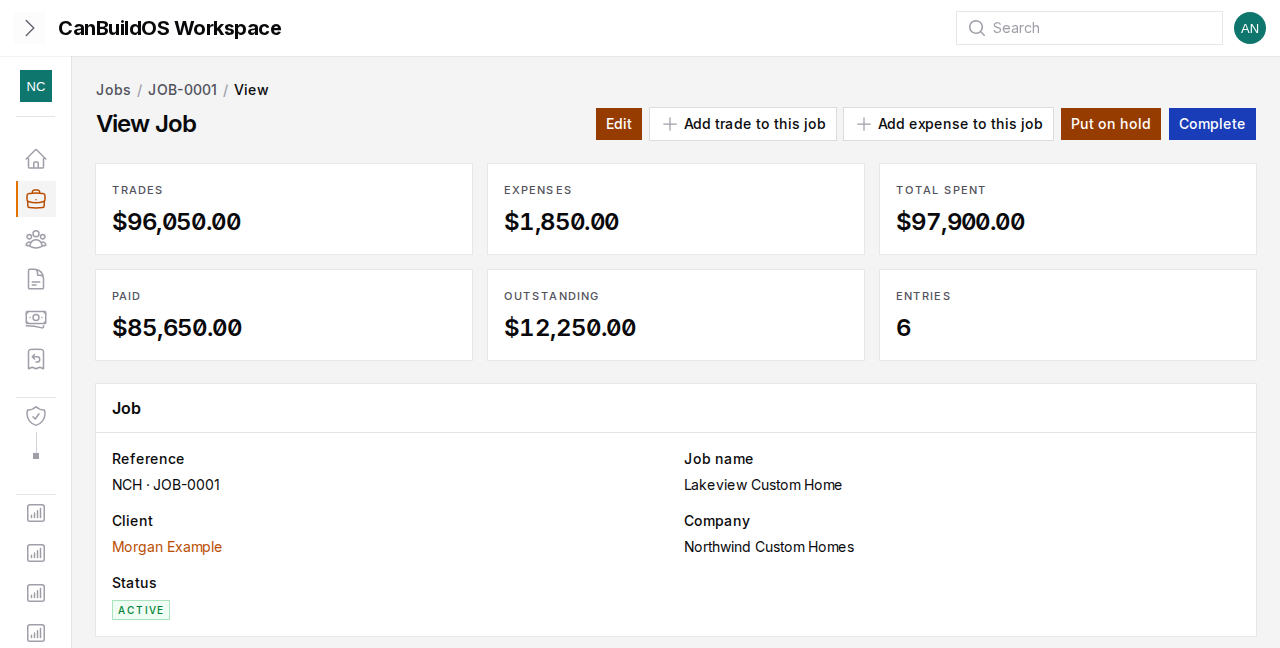
Build each job's budget in sections and lines, or import it from a CSV or XLSX spreadsheet.
- Record every trade and expense on the job, and the payments you make against each one.
- Each cost shows whether it is unpaid, partly paid, paid or overdue.
- Reports show what is still outstanding.
Getting paid
Estimates and invoices
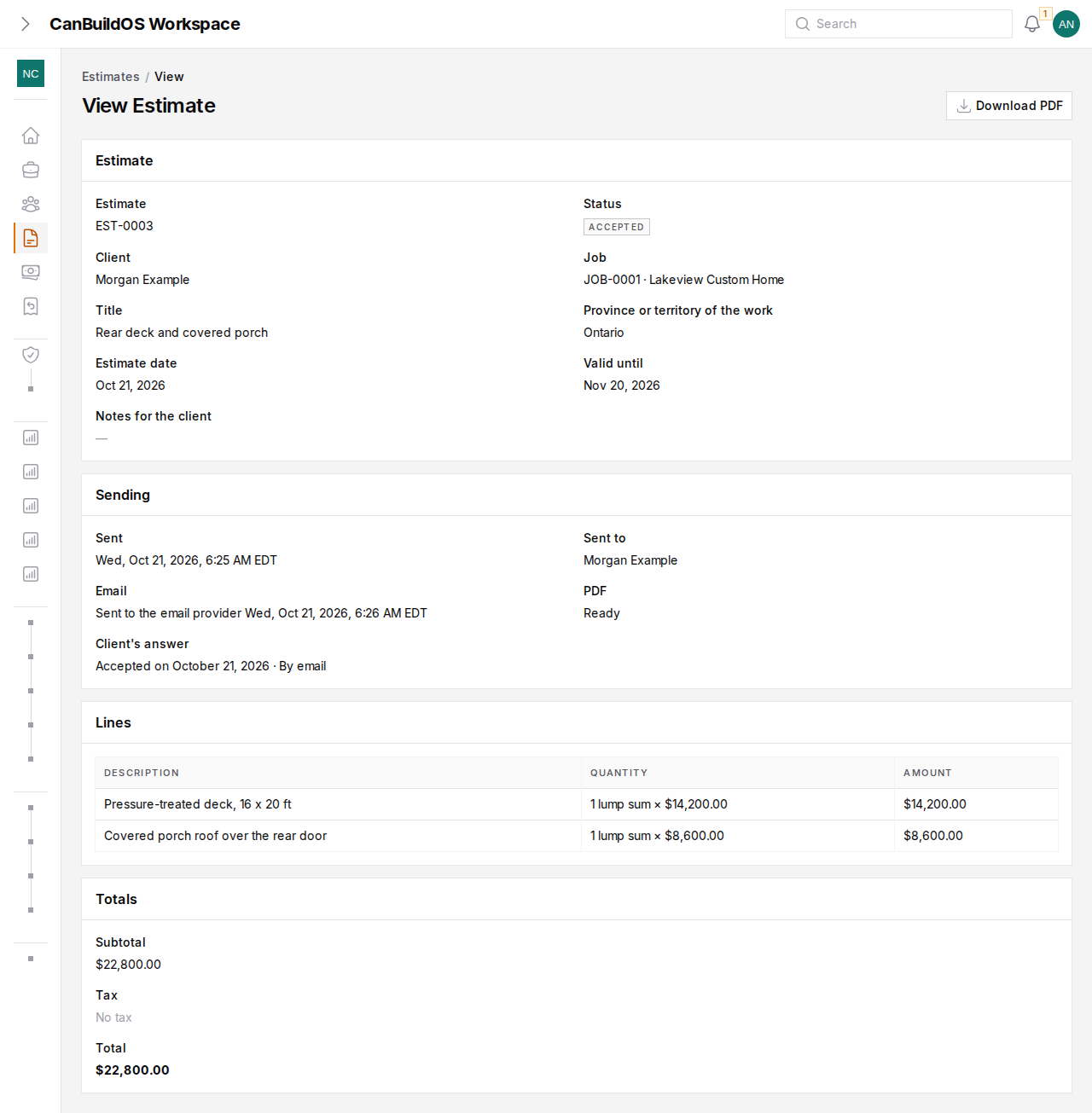
Write an estimate, email it with its PDF, record whether the client accepts or declines, and revise it when the scope changes.
- Issue invoices, email them, and record the payments you receive.
- When an invoice needs correcting, issue a credit note against it.
More than one company
Legal entities
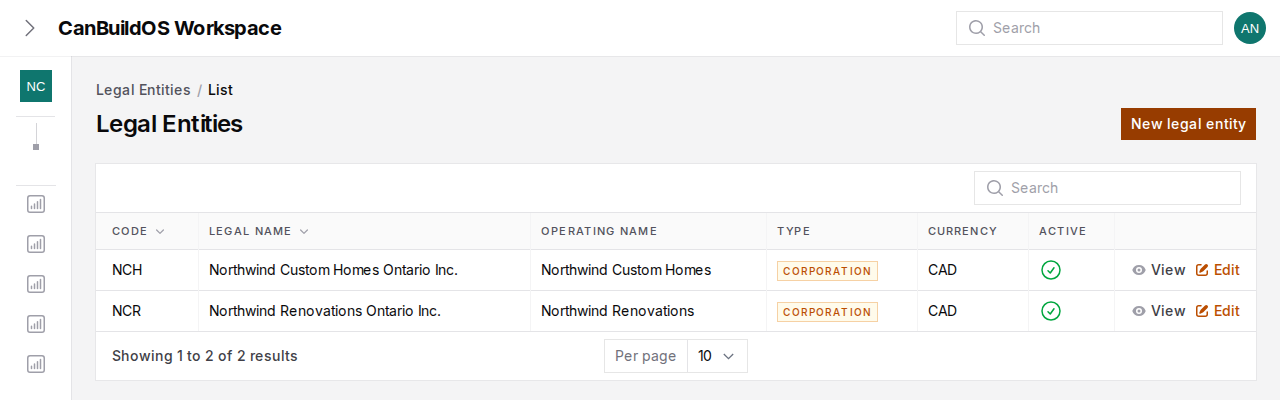
Run work through more than one legal entity under one login.
- Each one keeps its own jobs, estimates and invoices.
- Team members see only the legal entities they have been given access to.
For your clients
The client portal
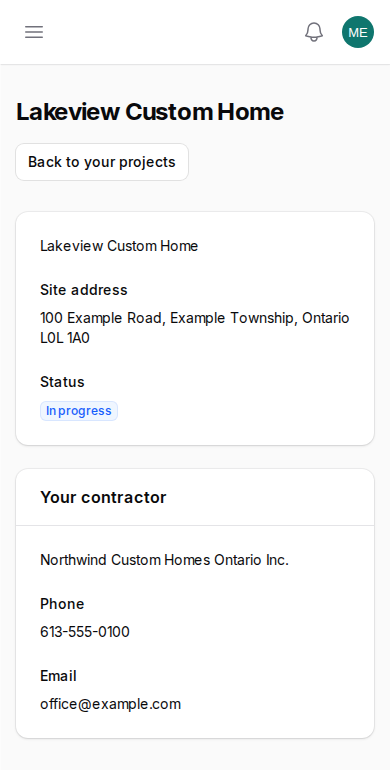
Homeowners sign in to their own portal, separate from yours, to see what you choose to share.
Building your own home
Owner-builder mode
Building your own home? Run the budget, the costs and the trades yourself, and bring in a consultant who advises without taking over.